Important note about screenshots
The images below are recreated example screenshots to illustrate what the issue typically looks like (so we can explain fixes clearly). The official portal UI may differ.
Quick answer: “no dates” can be a browser, session, product, or release-window issue. “No availability” usually means the route/date/time is sold out. Treat those as different problems.
Issue 1: “I’m not seeing any dates” (calendar not loading)
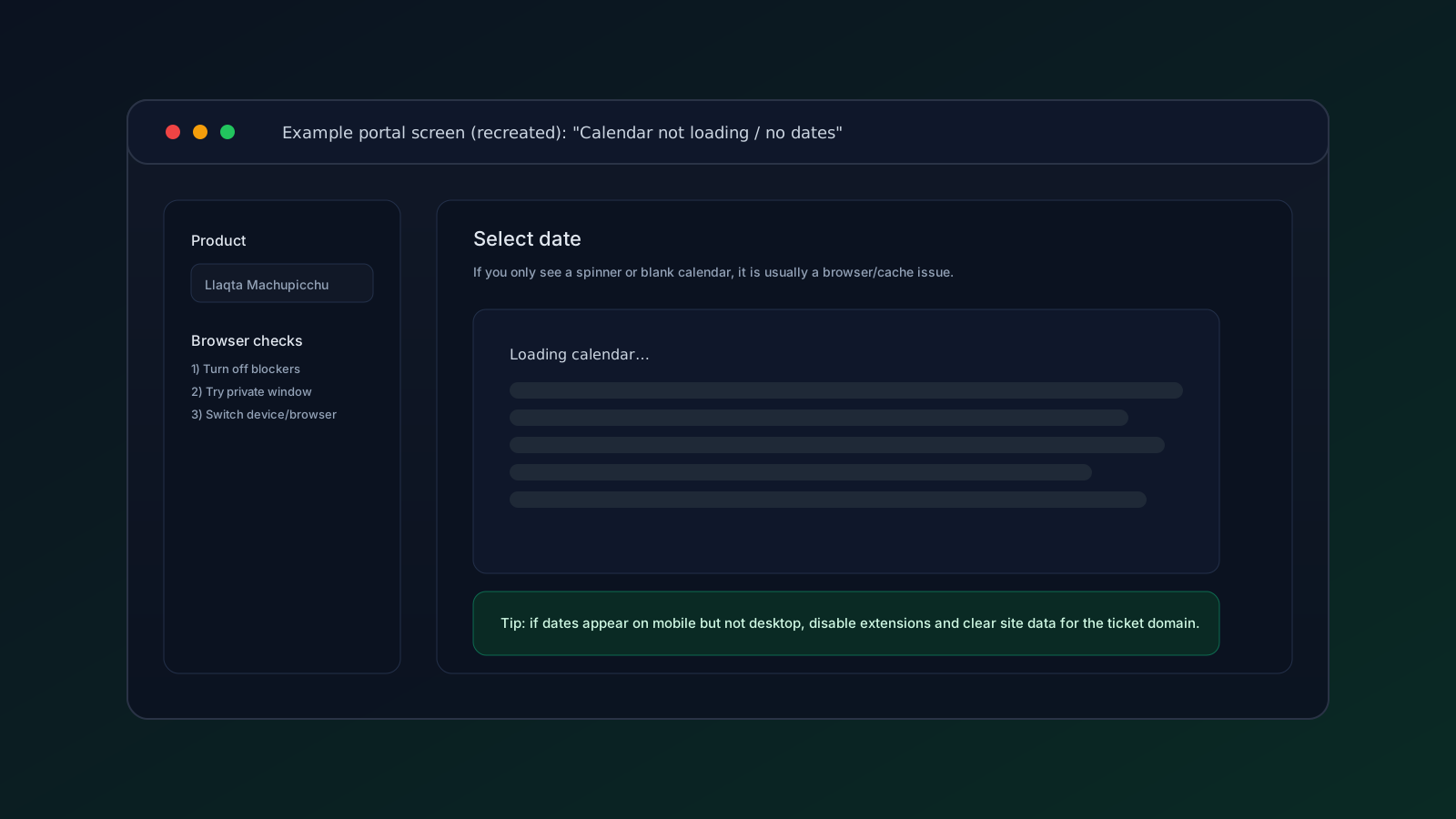
Fast fixes
- Open a private/incognito window and try again.
- Disable browser extensions (ad blockers, privacy tools) for the ticket domain.
- Clear site data (cookies + cache) for the ticket domain and reload.
- Try another browser (Safari vs Chrome vs Firefox).
- Try another device (mobile data can sometimes load when Wi-Fi/desktop fails).
What to check next
If the calendar loads but shows no selectable dates:
- You might be on the wrong product.
- Inventory for your year/date might not be released.
- The date range might simply be sold out.
Before assuming the whole month is gone, confirm:
- You selected the Machu Picchu Llaqta product, not another cultural site.
- You are checking the correct year.
- You are looking at the route/circuit you actually want.
- The official portal has not changed the purchase path.
Issue 2: “No availability” (every time slot is sold out)
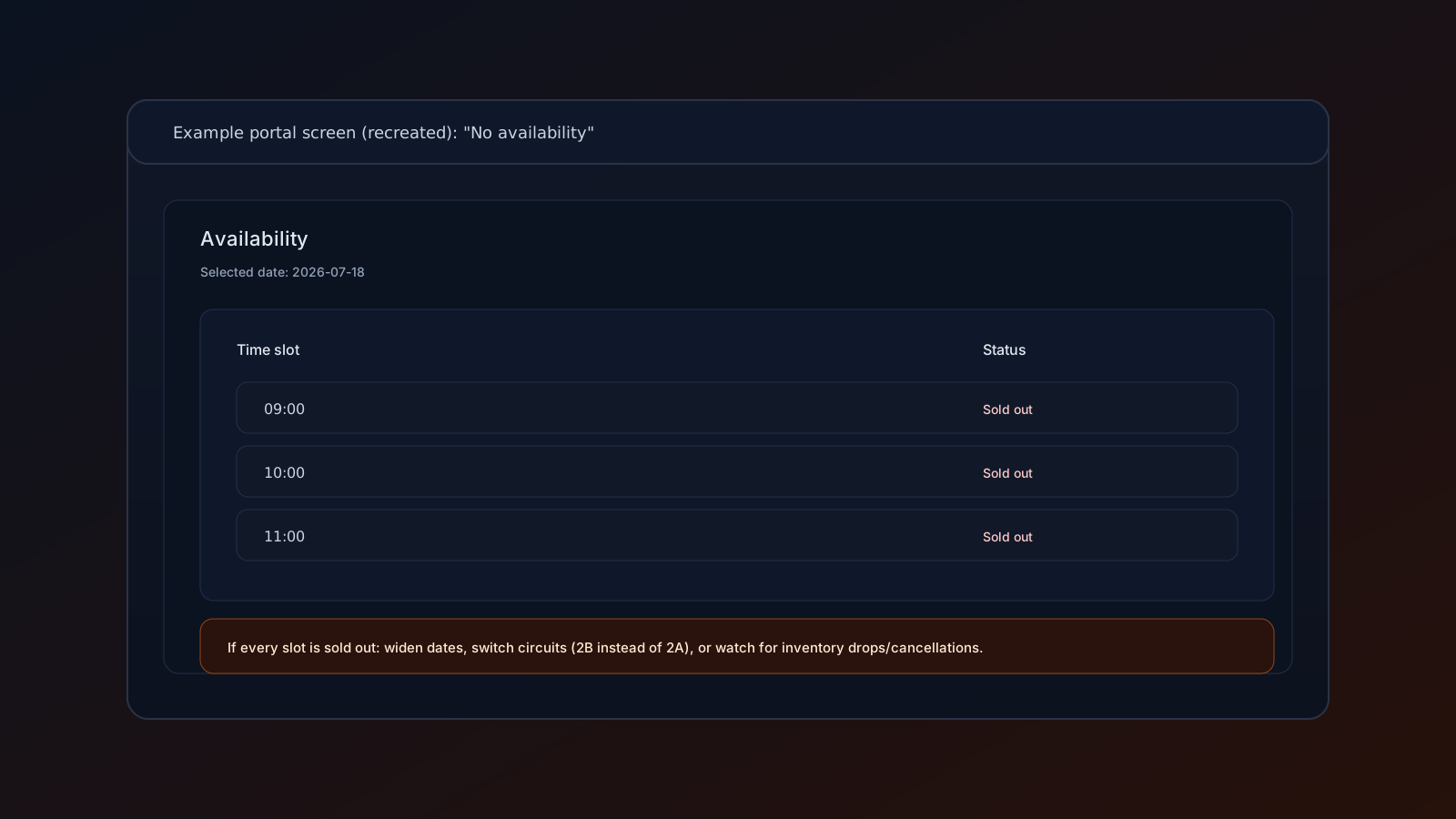
What this usually means
This is usually real sell-out, not a bug.
What to do
- Switch circuits (for example 2A to 2B) while keeping the same date.
- Try earlier/later time slots.
- Try nearby dates.
- Monitor for inventory reappearing.
Use this order if trains and hotels are fixed:
- Same date, different time.
- Same date, backup route.
- Nearby date, preferred route.
- Nearby date, backup route.
Changing dates first can create transport problems that are harder to solve than the ticket.
When monitoring helps
Monitoring is useful only after you decide what you would actually book. Pick your acceptable routes, exact dates, and party size first. Then an alert can help you react quickly if official availability appears again.
Do not use any service that claims it can guarantee a sold-out ticket. MachuPing is alert-only: it monitors selected route/date targets and emails you when availability appears, but you still book on the official provider.
Issue 3: Checkout errors / payment not completing
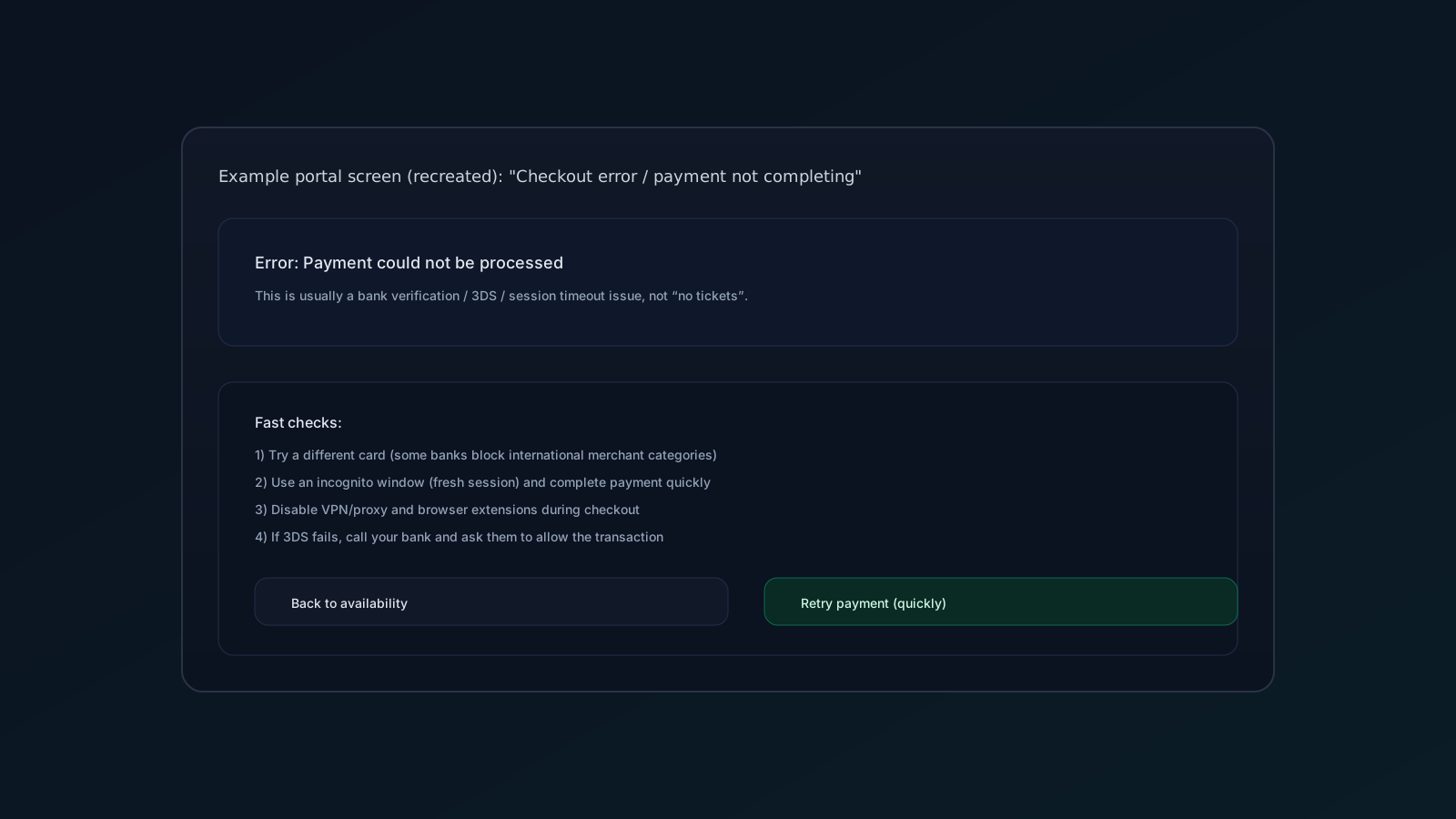
Common causes
- Bank blocks the transaction.
- 3DS verification fails.
- Session timeout (you spent too long between selecting the slot and paying).
- VPN/proxy/extension interference.
Fast fixes
- Retry quickly in a fresh private/incognito session.
- Try a different card.
- Disable VPN and extensions.
- If 3DS fails, call your bank and ask them to allow the transaction.
Protect your backup plan while fixing payment
If you can see inventory but cannot finish checkout, keep troubleshooting payment first. If your preferred slot disappears while you are fixing the payment issue, switch to your prepared backup routes or dates instead of starting from zero.
For sold-out backup monitoring, create a focused alert for the routes and exact dates you would still accept. If a paid MachuPing monitor does not activate after Stripe checkout, contact support with your Google login email and we will activate it or refund the charge.
If payment fails during a visible availability window, do not open many competing sessions. That can create confusion around holds and stale pages. Use one clean session, one backup card, and a pre-decided fallback route.
Official references (use these to validate the “correct” flow)
If you are unsure which portal is official, start from a government reference page and follow official links.
Related guides:
Sources (last verified 2026-05-30)
- TuBoleto (official online sales portal)
- Official service guide (Gob.pe): buy tickets to visit Machu Picchu
- Official circuits and route maps (Machupicchu.gob.pe)
What to check first for Common tuboleto issues: not seeing dates / no availability
This topic matters because common tuboleto issues: not seeing dates / no availability is not a general sightseeing question. It changes the route, the clock, and the backup plan. The safe way forward is concrete: verify the official channel, compare real route options, and decide before payment which backup actually protects the trip.
Start by confirming the official route name, date, entry time, and group size. Most booking mistakes come from skipping one of those four details. Use official sources as the base layer: official circuits and routes page, TuBoleto, Peruvian government TuBoleto buying guide, 2026 capacity resolution, and TVPeru's report on the 2026 ticket sale opening. You do not need to read them like a lawyer, but you do need to confirm that route name, date, entry time, and traveler count match what you are about to buy.
Build the route decision before checkout. A backup is useful only if you would really buy it when the alert arrives. Do not keep waiting when an official option already matches the itinerary you can actually execute.
Backup choices for Common tuboleto issues: not seeing dates / no availability
| If you see this | Do this | Why it matters |
|---|---|---|
| The date looks sold out | Test another route on the same date before changing trains or hotels. | Many plans are saved by changing route, not changing the whole trip. |
| Only an awkward time remains | Compare it against train arrival, bus queues, and walking buffer. | An official ticket is not useful if you cannot reach the gate. |
| An agency promises sold-out access | Ask for route, time, passenger names, issue status, and refund terms in writing. | A sales promise is not the same as an issued ticket. |
| An acceptable backup route exists | Book it or monitor it before chasing the perfect route. | Acceptable backups can disappear too. |
| Your group is large | Confirm everyone fits the same route and time. | Partial availability can split the group at the worst moment. |
| Priority | First choice | Reasonable backup | Stop waiting when |
|---|---|---|---|
| Classic visit | Circuit 2 or the classic route you wanted. | Nearby variant, then a panoramic or lower route you understand. | An official alternative fits your train and group. |
| Mountain route | Exact mountain route and realistic entry time. | Another mountain or a classic route if the visit matters more than the hike. | Waiting puts the whole visit at risk. |
| Fixed date | Any acceptable route on that date. | Nearby time or different route. | Changing the date breaks hotels, trains, or flights. |
| Last minute | Official channel plus realistic local fallback. | Online monitor while documents stay ready. | A usable official ticket appears. |
If a third party cannot write the official route and time in plain terms, do not treat the offer as confirmed.
When to monitor Common tuboleto issues: not seeing dates / no availability
Create a monitor when the route/date combination is important enough that you would act on an alert within minutes. The monitor should not replace a decision; it should execute a decision you already made. If you would accept a route/date/time combination, make it a target. If you would not buy it, do not monitor it.
Create a Machu Picchu availability monitor for the routes and dates you would book immediately. Set a restock alert if the problem is a sold-out date and you want to know whether compatible inventory comes back.
How to set the target
- Choose up to three dates you can actually use.
- Select only routes you would buy if they appeared.
- Keep the real group size; do not shrink it just to see imaginary availability.
- Decide in advance who pays and which card will be used.
- When the alert arrives, open the official channel and check route, time, and names before payment.
A good monitor shortens the time between "availability appeared" and "we can book." A bad monitor creates noise because it includes routes nobody wanted or dates that cannot work.
Practical playbook for Common tuboleto issues: not seeing dates / no availability
This is the flow I would use to make the decision without panic:
- Confirm you are looking at the official channel or an offer that shows official ticket details.
- Write route, date, entry time, and group size in one note.
- Test a route variant before changing the travel date.
- Test another time before changing transport.
- Decide which backup you would accept if an alert arrived.
- Prepare documents and payment before inventory comes back.
Fast questions before payment
- Does the route name match what you expected?
- Does the time leave room for train, bus, and entry control?
- Are all travelers listed with correct documents?
- Does the cancellation policy cover failure to secure the exact entrance?
- Does buying this simplify the trip, or only calm anxiety for five minutes?
The goal is not to buy anything available. The goal is to buy the safest official option that still protects the trip.
What this means on the actual travel day
The most common mistake is treating this as an isolated ticket decision. It is not. Every ticket choice affects the inbound train, the bus from Machu Picchu Pueblo, the return schedule, the guide, group fatigue, and the margin you have if something runs late. That is why an "almost good" backup can be excellent when it protects the full day, and a "perfect" option can be bad when it depends on impossible connections.
Picture three travelers with the same problem:
| Traveler | Situation | Best reading |
|---|---|---|
| Couple with fixed hotels | They can visit only on Tuesday. | Prioritize the date and an acceptable route before waiting for the ideal hour. |
| Family group | They need four tickets together. | Test routes and times where the whole group fits, not scattered seats. |
| Mountain-focused visitor | They want a specific route such as Huayna Picchu. | Decide whether the mountain matters more than confirming any Machu Picchu visit. |
How to decide without debating for hours
Make a three-level list. Level one: options you would buy immediately. Level two: options you would accept if nothing better appears in 24 or 48 hours. Level three: options that look available but you do not truly want. Only levels one and two belong in a monitor. Level three is dangerous because it creates false hope and purchase pressure.
For TuBoleto no dates, no availability, checkout friction, the list must include route names, not just "Machu Picchu." It also needs concrete time windows. "Morning" is not enough if the train arrives late; "between 10:00 and 12:00" is much better. "Any circuit" is not enough if someone in the group expects the classic view; "2A or 2B first, then a panoramic route if the date is protected" is a real decision.
What to do when an alert arrives
Do not open the alert as if it were a new recommendation. Open it as an option you already approved. Check:
- Date.
- Route or circuit.
- Entry time.
- Group size.
- Document for each traveler.
- Payment method.
If those points match, buy through the official channel. If one does not match, do not force the purchase only because the alert arrived. Speed helps when the prior decision was good; when the prior decision was fuzzy, speed only accelerates a mistake.
Mistakes that cost money
| Mistake | Likely result | Better habit |
|---|---|---|
| Reading "Machu Picchu" without checking the route | You buy a different experience than expected. | Verify circuit, sub-route, and time before payment. |
| Changing dates too quickly | You disrupt trains, hotels, or guides unnecessarily. | Change time and route first. |
| Monitoring too many options | You receive alerts you would not use. | Monitor only combinations you would buy. |
| Believing sold-out promises | You pay for an intention, not an issued ticket. | Ask for issue proof or clear terms. |
| Preparing documents late | You lose a short window during checkout. | Keep names and documents ready before seats appear. |
The key phrase for this topic is TuBoleto no dates, no availability, checkout friction. If an option does not improve that concrete problem, it is probably a distraction.
Frequently asked questions
Should I wait or buy a backup?
Buy a backup if it is official, fits your logistics, and your group would accept it without regret. Wait only if the exact route is worth more than the certainty of entering.
Does an alert guarantee a ticket?
No. An alert only tells you compatible availability appeared. The purchase happens through the official channel or the provider you choose after verifying details.
What if availability appears for a different route?
Compare it with your written list. If it was already marked acceptable, act quickly. If it was not on the list, do not improvise under pressure.
Why does this article repeat route and time so much?
Because common tuboleto issues: not seeing dates / no availability is solved in details. Machu Picchu is not only "ticket" or "no ticket"; it is route, date, hour, group, and payment.